01
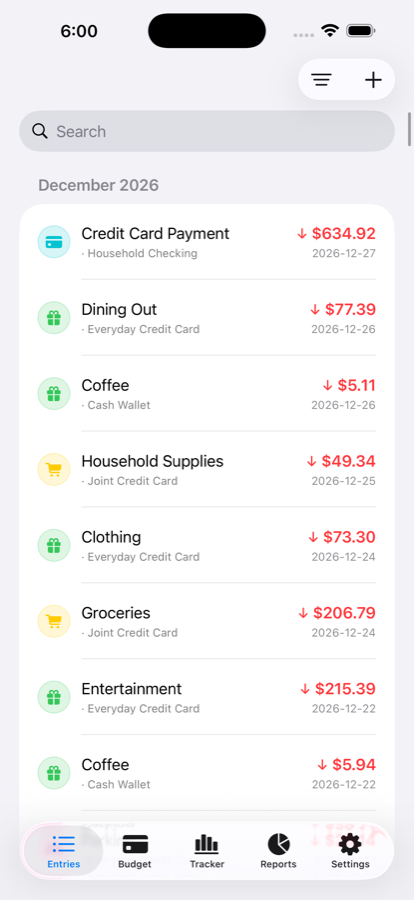
Capture expenses quickly.
Add an entry in seconds or scan a receipt, review the details, and split the total across categories before anything is saved.
A BUDGET YOU’LL ACTUALLY KEEP UP WITH
Keep expenses, recurring bills, and monthly budgets in one calm place. Wise Budget helps you understand where your money goes—without connecting your bank.
Scan receipts
Plan what repeats
See what changes
DESIGNED FOR REAL LIFE
Four practical tools work together to make your money routine easier to maintain.
Add an entry in seconds or scan a receipt, review the details, and split the total across categories before anything is saved.
Set up rent, subscriptions, paycheques, and other repeating entries. Choose what needs confirmation and what can be created automatically.
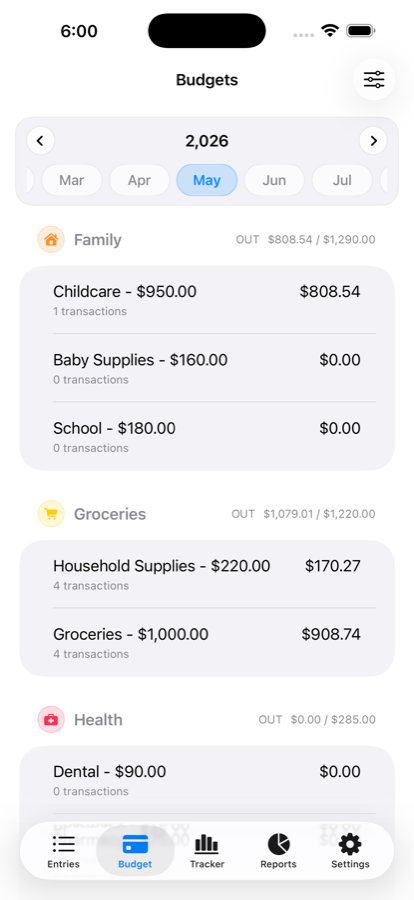
Set monthly limits and check your remaining budget before the next purchase—not after the month is over.
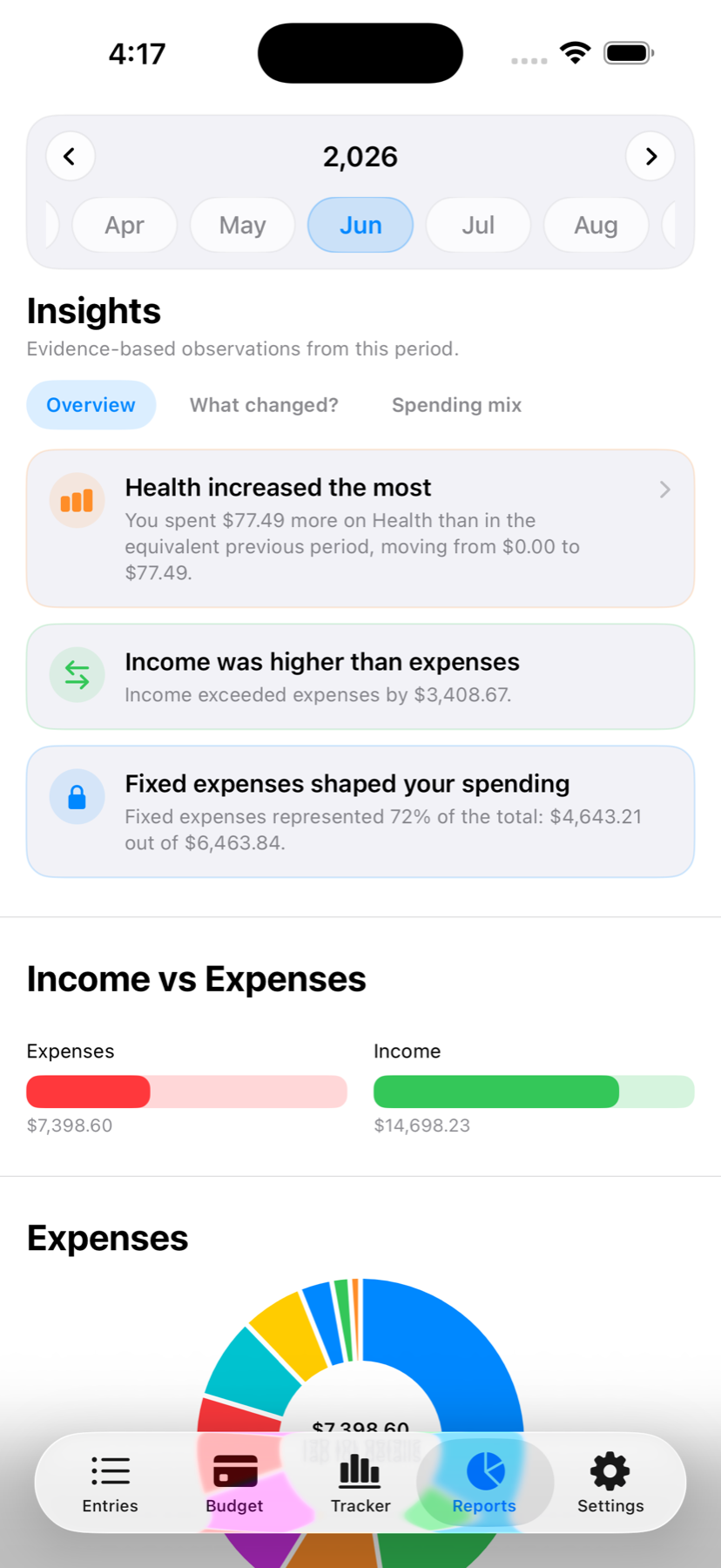
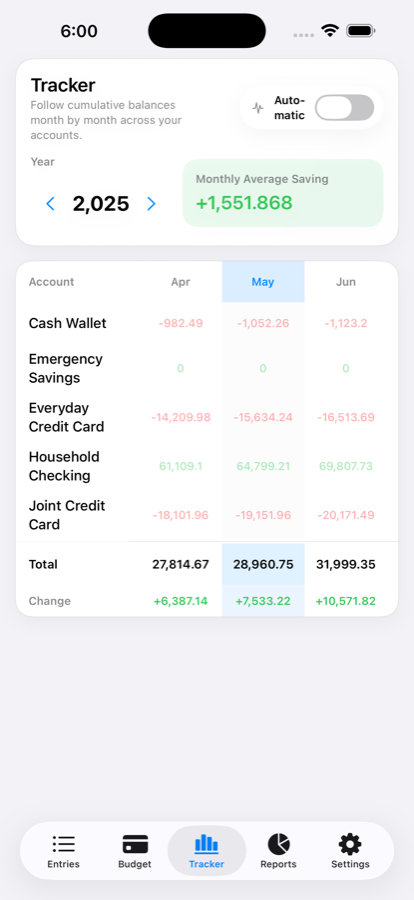
Compare income and expenses, explore category changes, and follow account balances month by month.
YOUR MONEY STAYS YOUR BUSINESS
Wise Budget doesn’t require a bank connection. Your budget lives on your device, with optional iCloud sync when you want it.
You choose what to track and what to leave out.
Keep devices in sync through your own Apple account.
Export and import your data from Settings.
A SIMPLE PURCHASE
No trial clock. No monthly fee. Make Wise Budget part of your routine with a single App Store purchase.
View on the App Store See the App Store for pricing in your region.GOOD TO KNOW
No. It’s a one-time purchase with no recurring subscription.
No. You add and review your own entries. Receipt scanning and recurring entries reduce repetitive work without requiring bank access.
Yes. Wise Budget supports iPhone and iPad, with optional iCloud sync across your devices.
Yes. Manual backup export and import are available in Settings.

START WITH A CLEARER VIEW
Track what you spend. Plan what repeats. Understand what changes.
Get Wise Budget